
Grades Synchronisation with Canvas
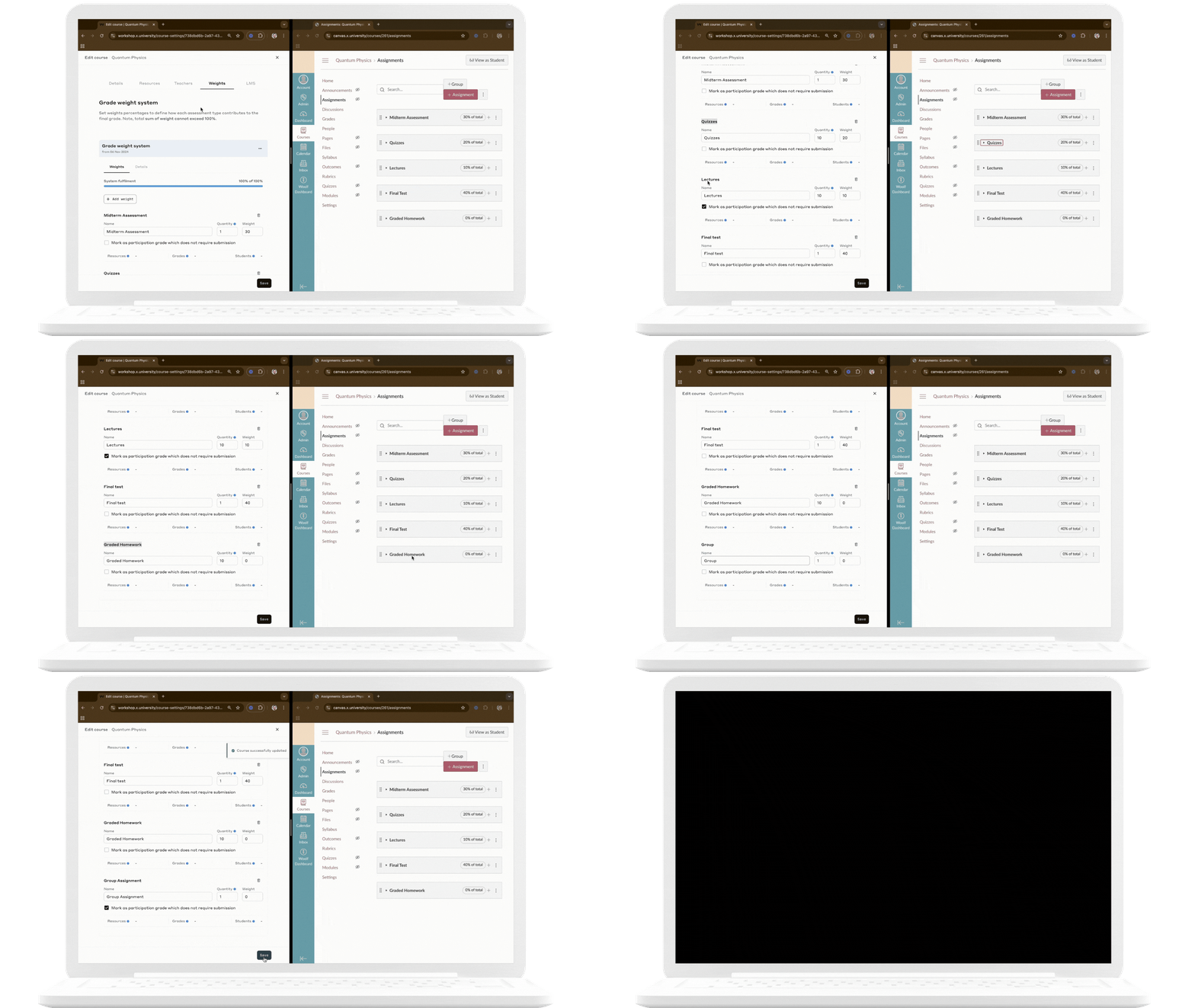
For colleges integrated with Canvas, the weights defined in a grade weight system in AMS are automatically converted to assignment groups in Canvas. These assignment groups are then applied to resources during their creation in Canvas.
Here’s how Canvas integration works:
Grade Weight System Synchronization: AMS provides several methods for synchronizing grade weight systems with Canvas, tailored to various course setup scenarios:
Auto Grade Sync After Course Creation in AMS
When a new course is created in AMS for a college linked to Canvas, a corresponding course is automatically generated in Canvas. Once the college admin sets up and saves the grade weight system in AMS, it is converted into assignment groups, which can subsequently be assigned to resources during their creation in Canvas.
Connecting an Existing Grade Weight System
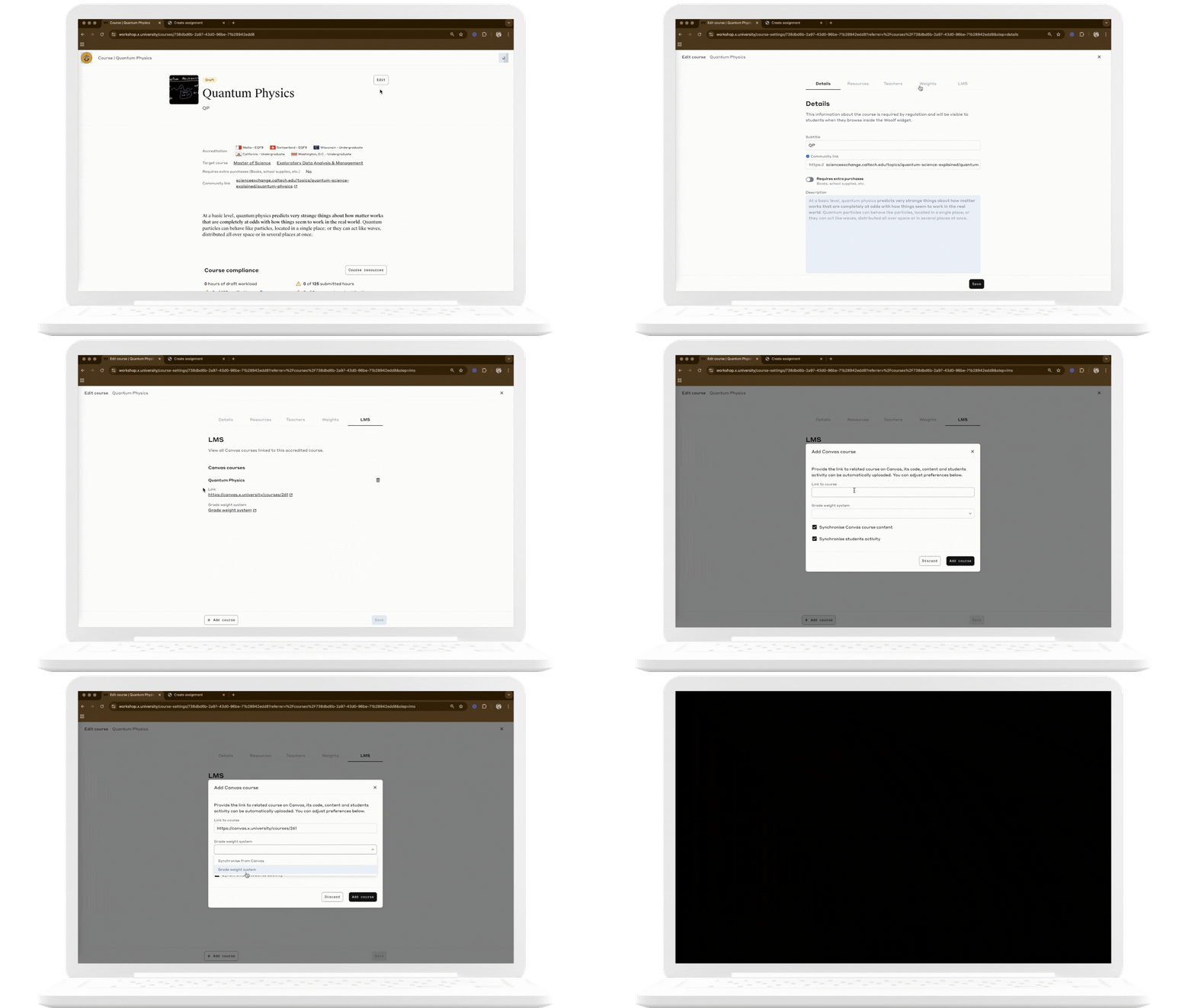
If an accredited course for a college already exists in AMS and the college wishes to apply its grade weight system when linking a new Canvas course to it, they can select the "Grade Weight System" during the linking process on AMS.
Key Notes:
If colleges want to maintain the same weight system across all connected courses, they must choose an existing grade weight system when connecting a new Canvas course to AMS.
If colleges prefer different weight systems for each course, they should create the weight system directly in Canvas and use the "Sync from Canvas" option to fetch the grade weights.
Fetching Grade Weights from Canvas
If the college opts to fetch grade weights from a Canvas course, they can select the "Sync from Canvas" option. In this scenario, there’s no need to create the grade weight system in AMS beforehand.
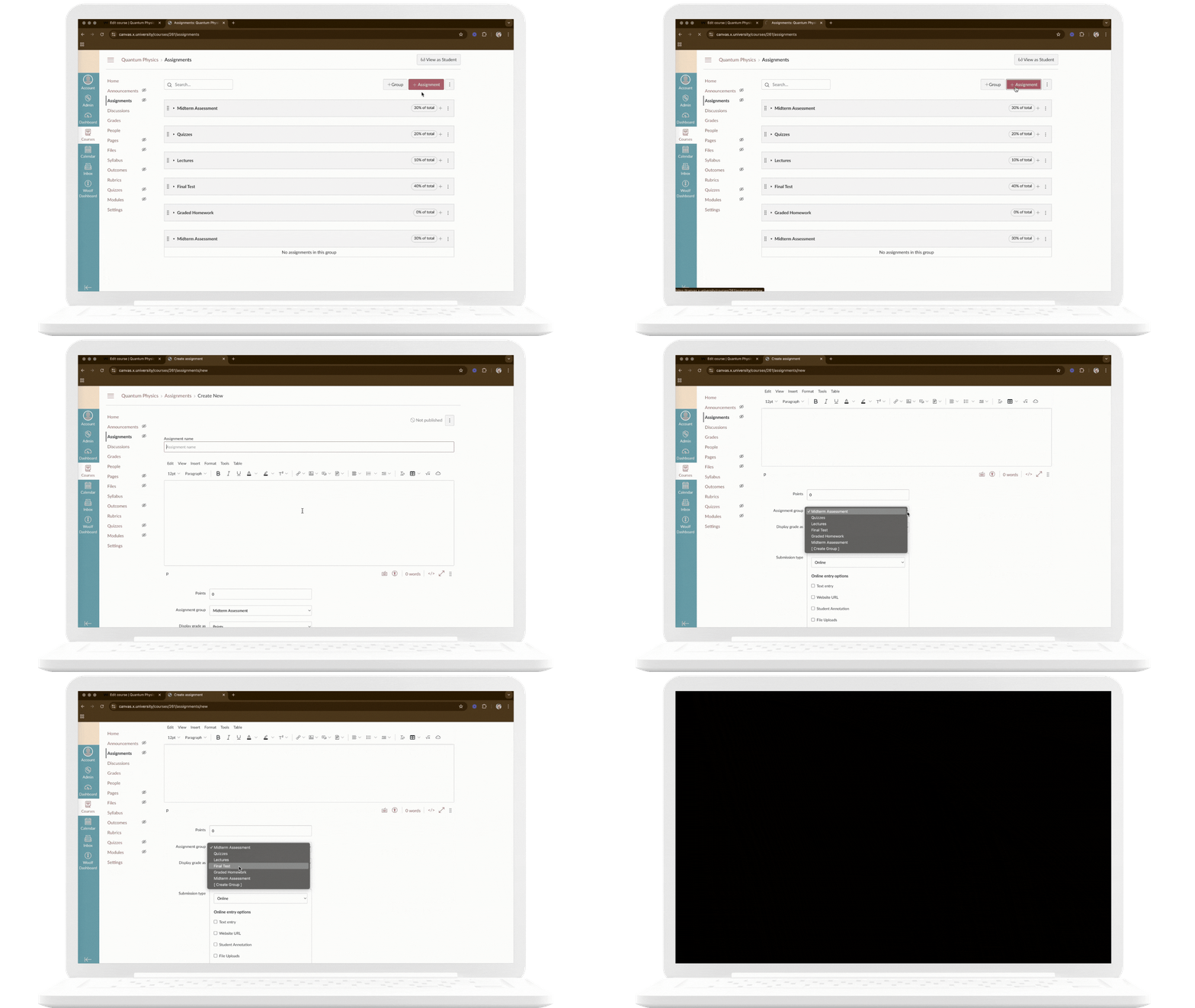
Assignment Group Mapping: When assignments are created in Canvas, they must be assigned to the correct assignment group. This group corresponds to a grade weight category in AMS. Proper assignment group mapping ensures that assignments contribute to final grades in line with AMS configurations.
Real-time Scores Synchronization: Once the course and grade weights are synchronized, scores from graded assignments in Canvas are automatically updated in AMS. This enables real-time updates to running averages and the calculation of final averages upon course completion.
Grade Activation: To ensure grades are recognized and contribute to the student’s final grade, the relevant resource assignment mapped to a grade weight must be submitted along with the score. Without it, the grade remains inactive and is excluded from final grade calculations. Participation grades are an exception to this rule.
Retakes and Resubmissions: AMS supports multiple score submissions for the same resource assignment. If a student retakes or resubmits an assignment, AMS automatically considers only the most recent score as the final grade. This ensures that students’ improvements and progress are fairly reflected in their overall assessment.
Key Notes:
All changes to grade weights, assignment group allocations, or related modifications must be made in Canvas to maintain alignment with AMS.
Avoid editing or deleting grade weights directly in AMS for Canvas-integrated courses, as this can disrupt synchronization and result in grading inconsistencies.