Managing College Profile
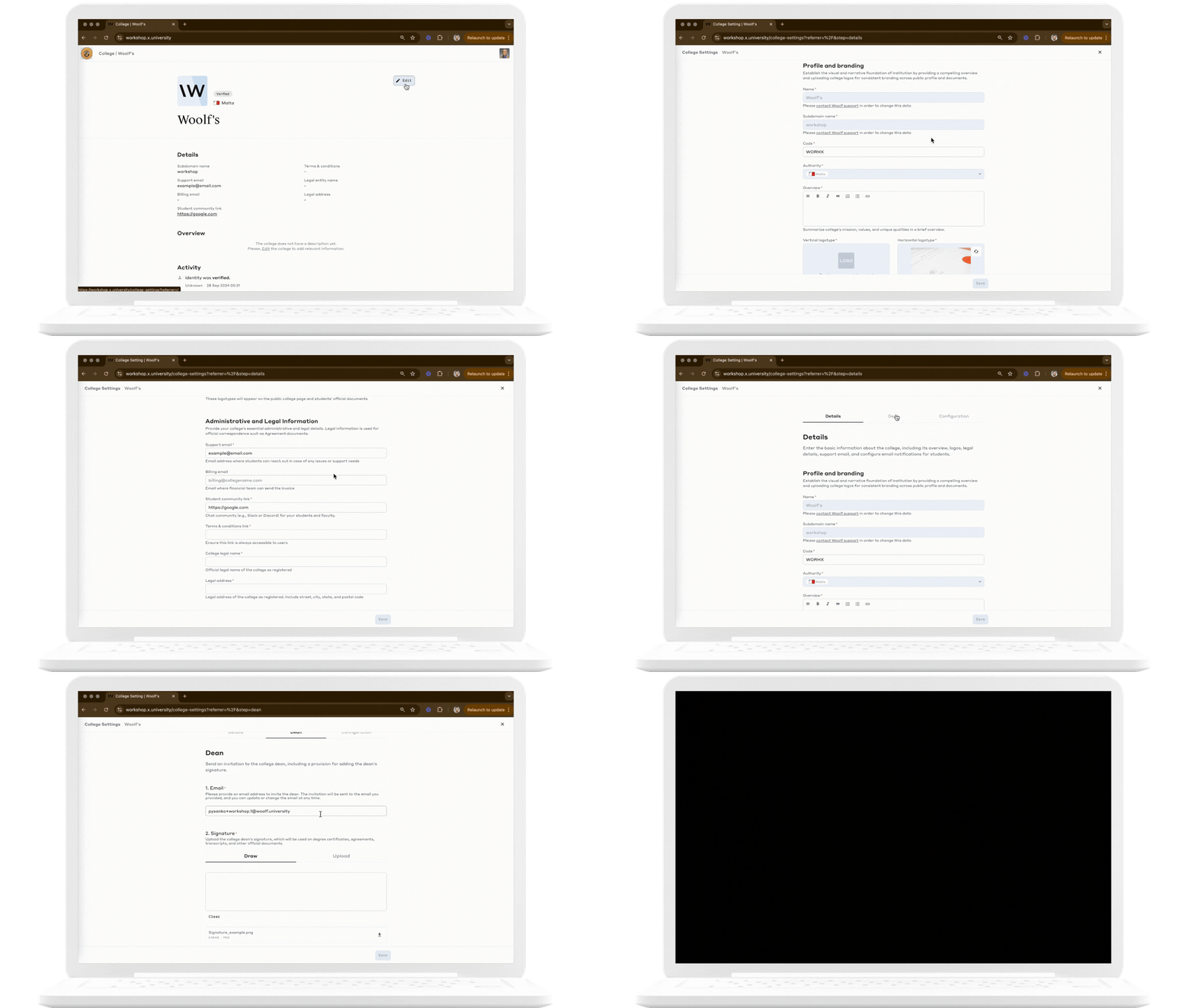
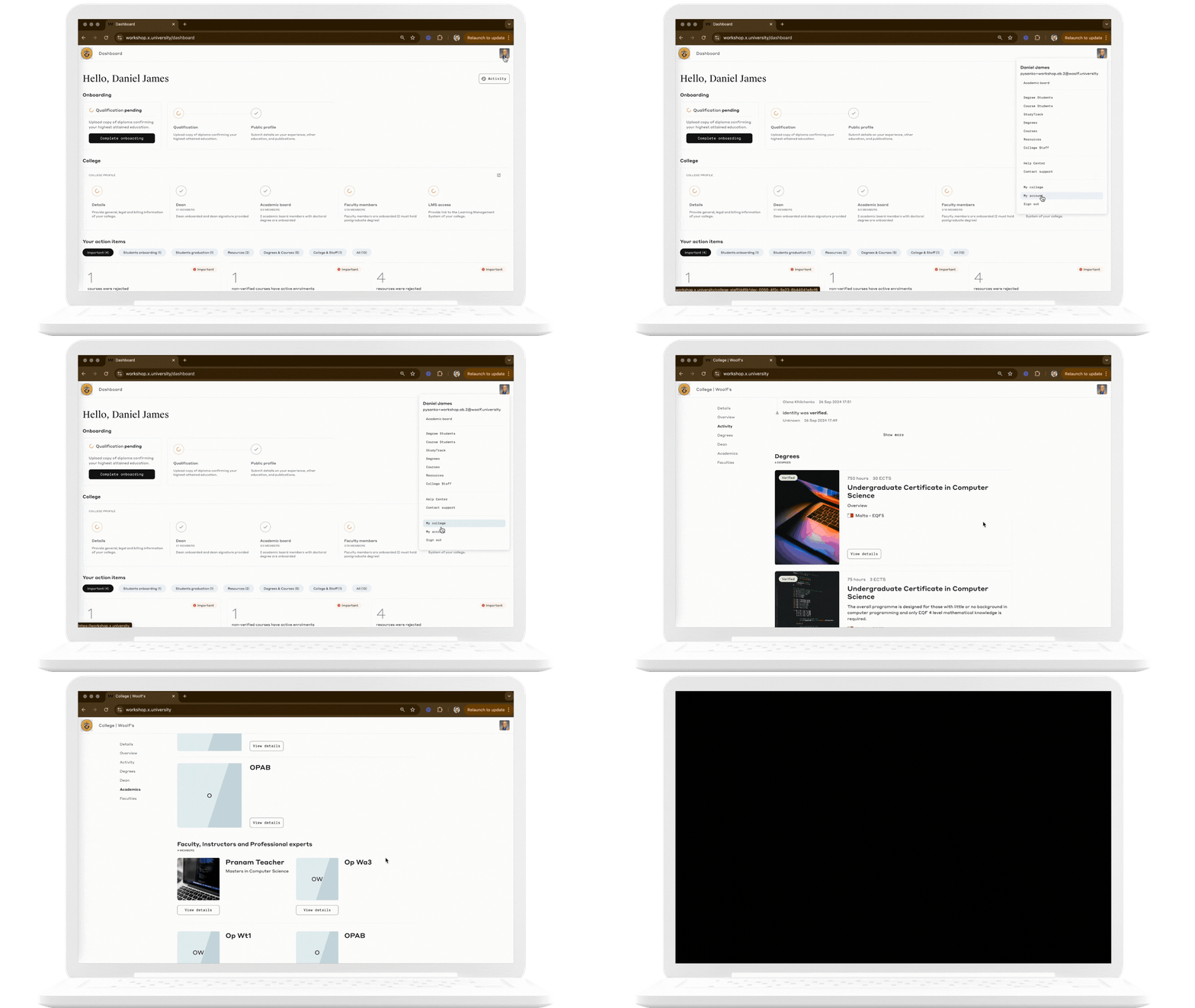
Whether you’re an administrator or part of the academic staff, the My College page is where you can view and update your college’s public-facing profile and manage core administrative details. The profile includes key information such as the college name, logo, dean information, and legal details.
Key Actions
View College Profile: See and edit your college’s public profile, including administrative contacts and branding elements.
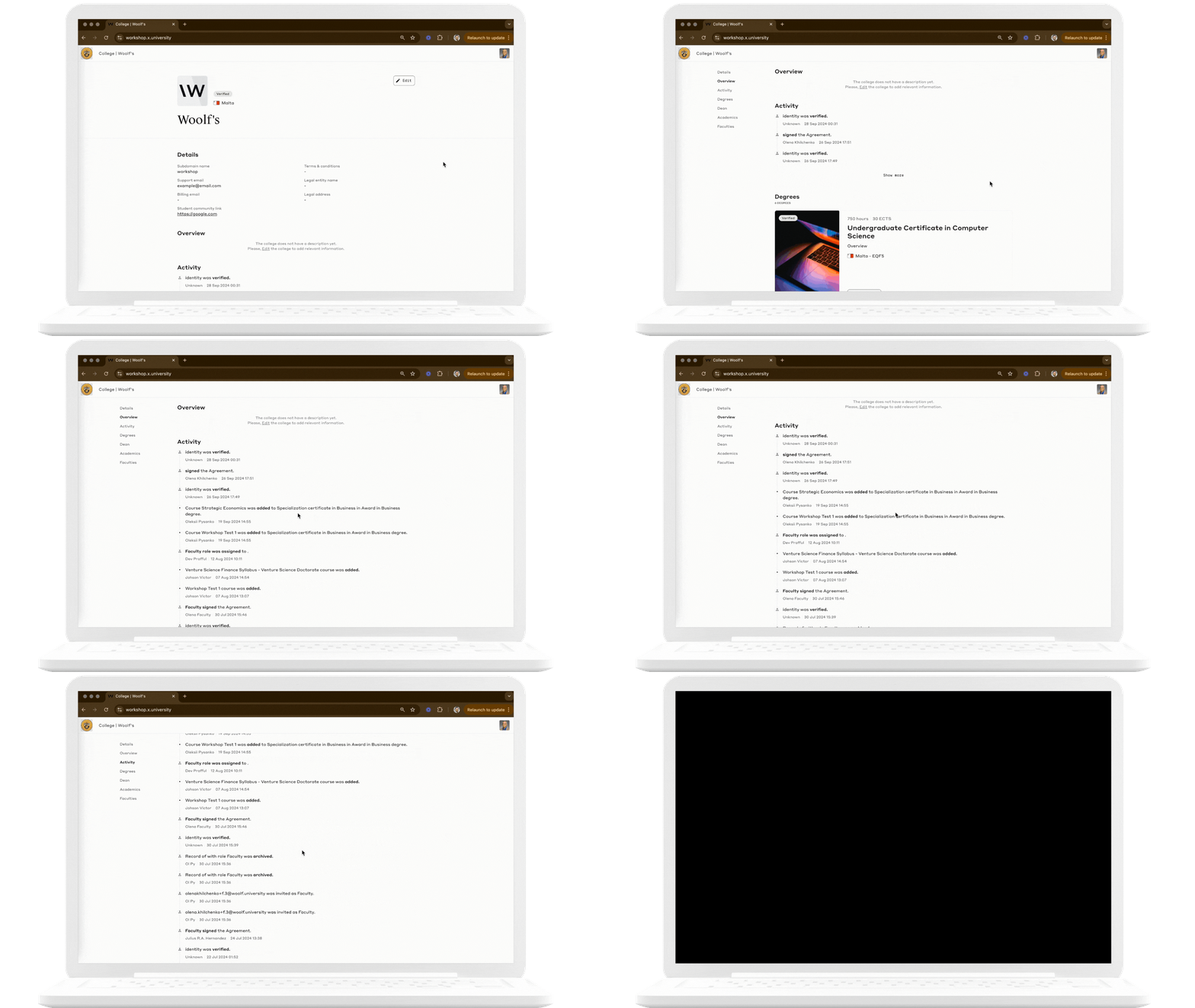
Track College Activity: View real-time updates on student submissions, course content uploads, and more.
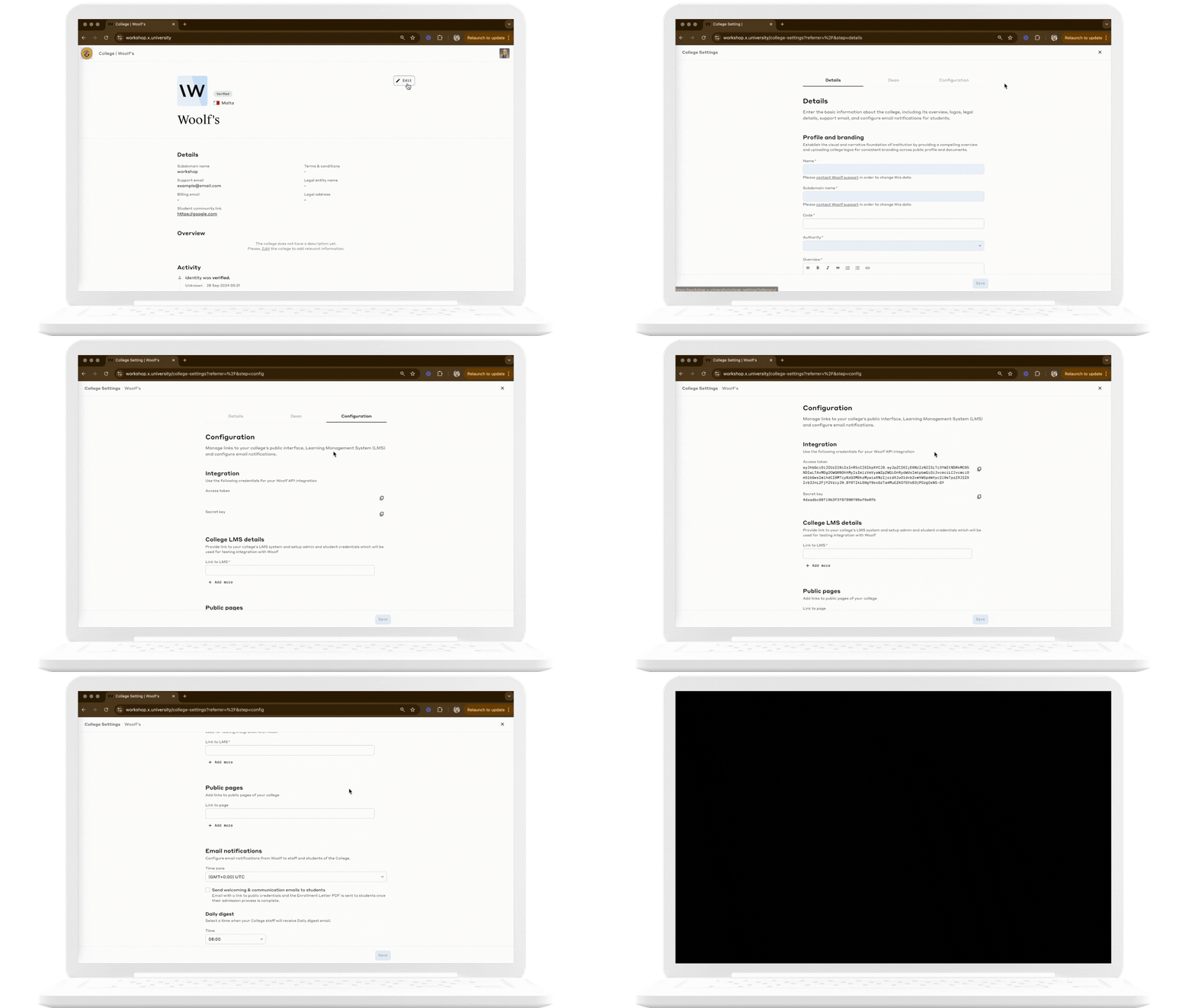
Manage Configuration: Set LMS details, fetch credentials to access Woolf API or set email alerts to keep students and staff informed.